
Your screenshots, sorted.
You screenshot everything: receipts, recipes, addresses, order confirmations, things to buy, posts to remember. Kapture Shots reads each one on your iPhone, gives it a category and a one-line summary, and hands you one digest a day.
Free on iPhone · iOS 17 or later
The app, live.
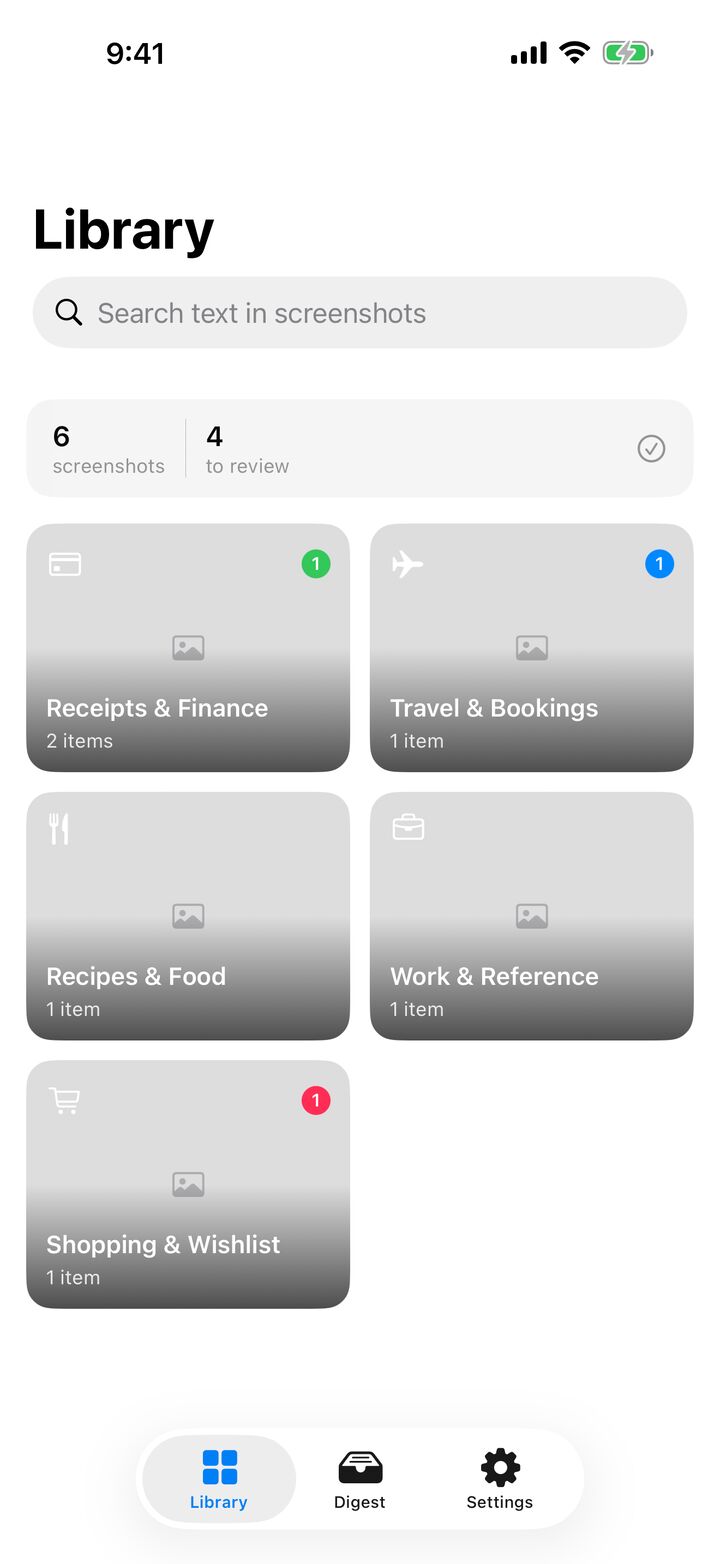
The real Kapture screens with 45 sample screenshots: nine drawers, the text Kapture reads out of each one, live search, tonight's digest and Pro smart actions.
Sample data. Fake brands, 555 numbers and example.com addresses.
Nine drawers. Everything has one.
Kapture reads the text on every screenshot with Apple's Vision framework, right on your iPhone, then suggests where it belongs. Confirm with one tap or pick another drawer.
Real photos go to Photos. Anything that fits nowhere goes to Other.
- Receipts & Finance
- Recipes & Food
- Travel & Bookings
- Shopping & Wishlist
- Work & Reference
- Contacts & Info
- Photos
- Other
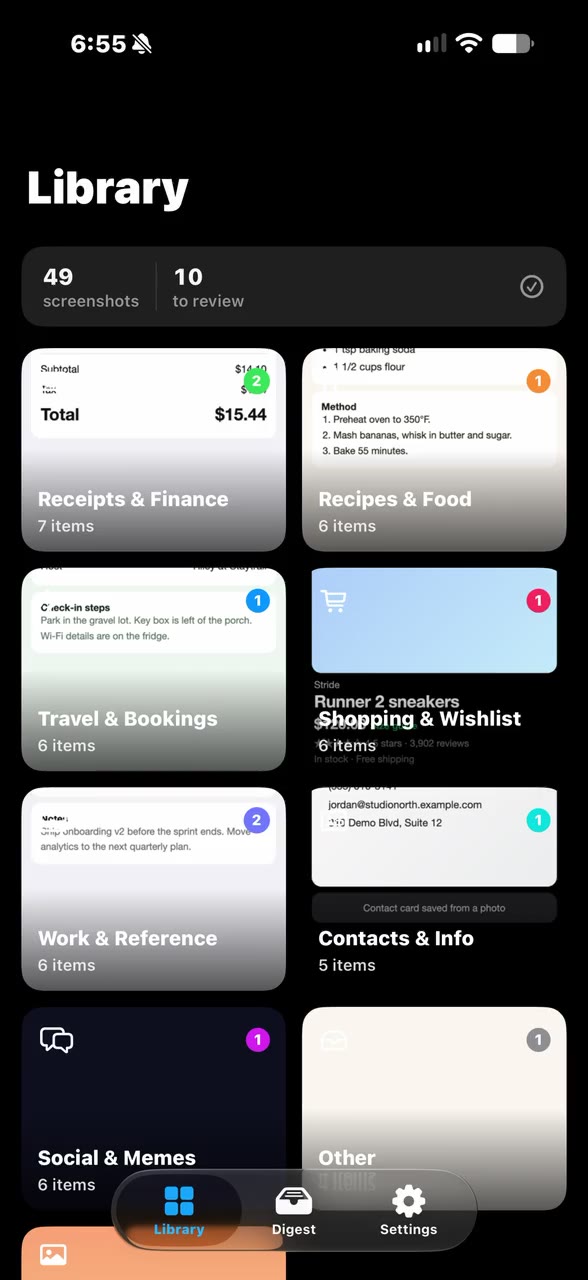 assets/clips/kapture-library-fills.mp4 · .webm · .jpg
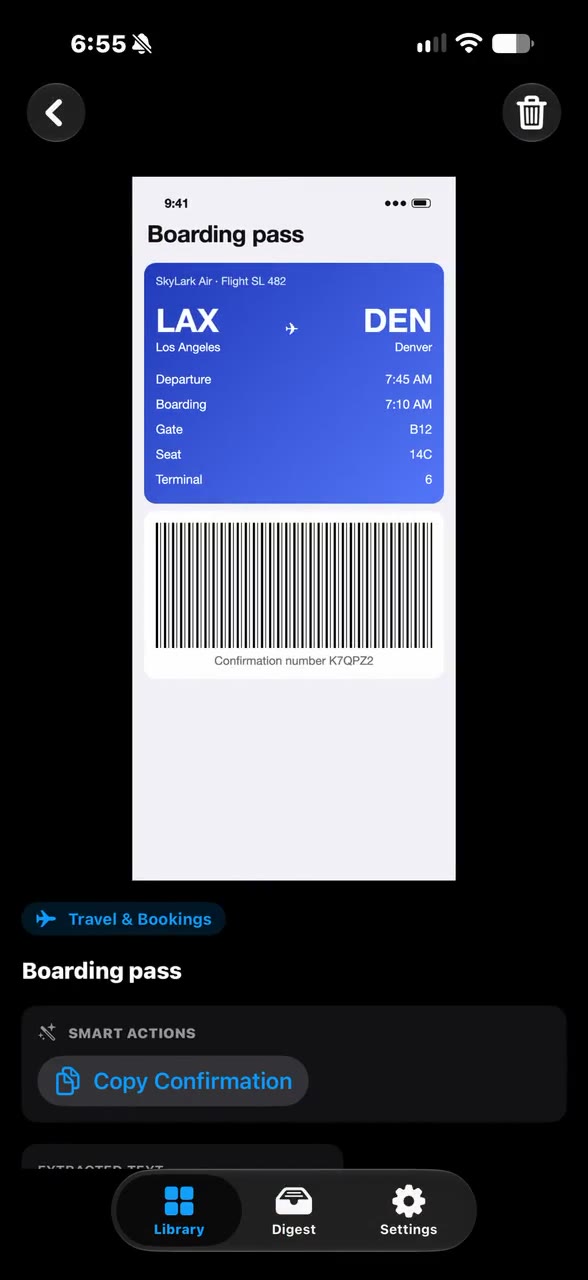 assets/clips/kapture-category-drilldown.mp4 · .webm · .jpg
Inside every drawer, everything's read.
Each screenshot opens to its one-line summary, the full text Kapture read from it and anything it can act on, like a confirmation number. A sideways swipe moves to the next one in the drawer.
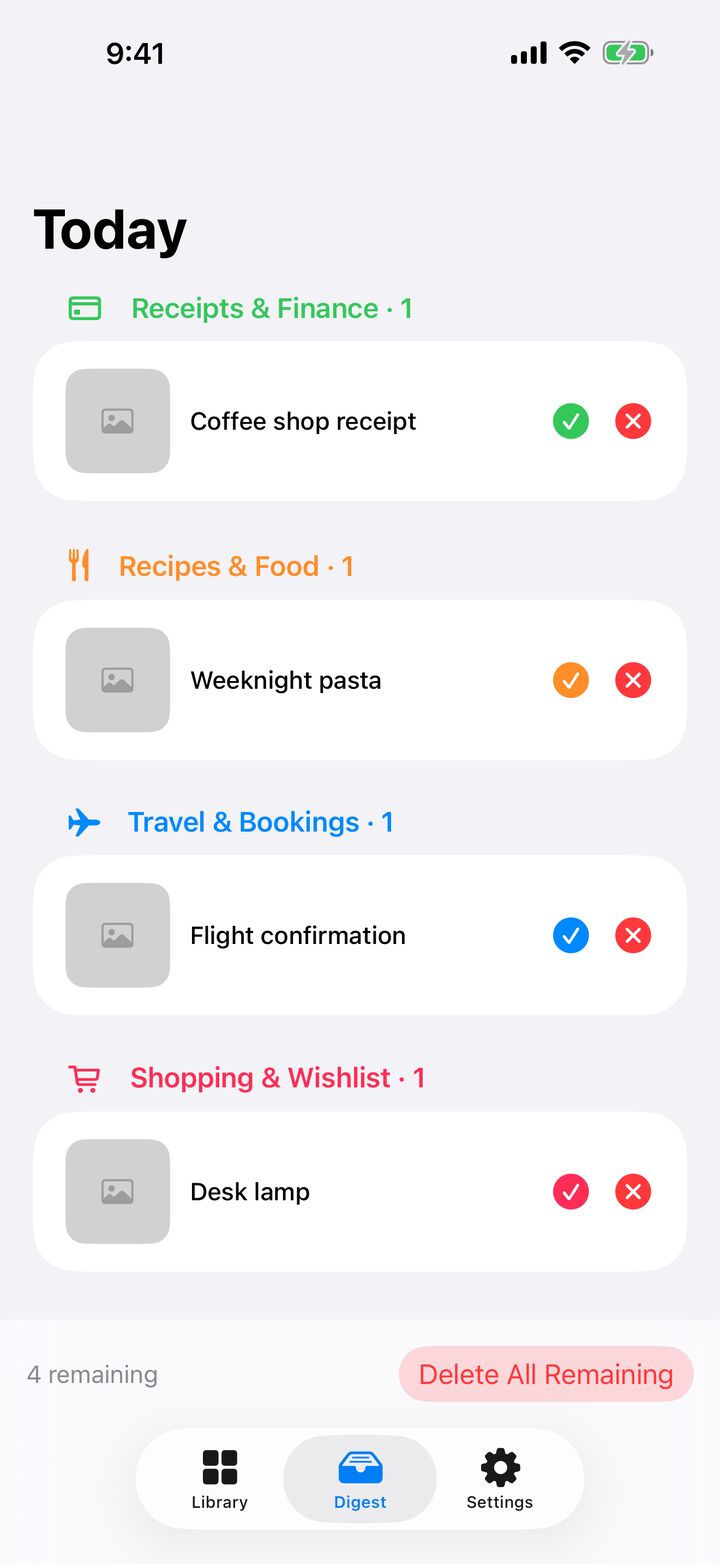
One digest a night. Keep or toss.
One notification a day, at a time you choose (7:00 pm unless you change it). Today's screenshots arrive grouped by drawer. Keep what matters. Delete the rest in a single tap.
Deleting asks iOS to confirm, then the screenshot waits in Recently Deleted for 30 days.
That receipt from last month? Type any word on it.
Every word Kapture reads becomes searchable, along with each summary. Results appear as you type, and the search runs on your iPhone.
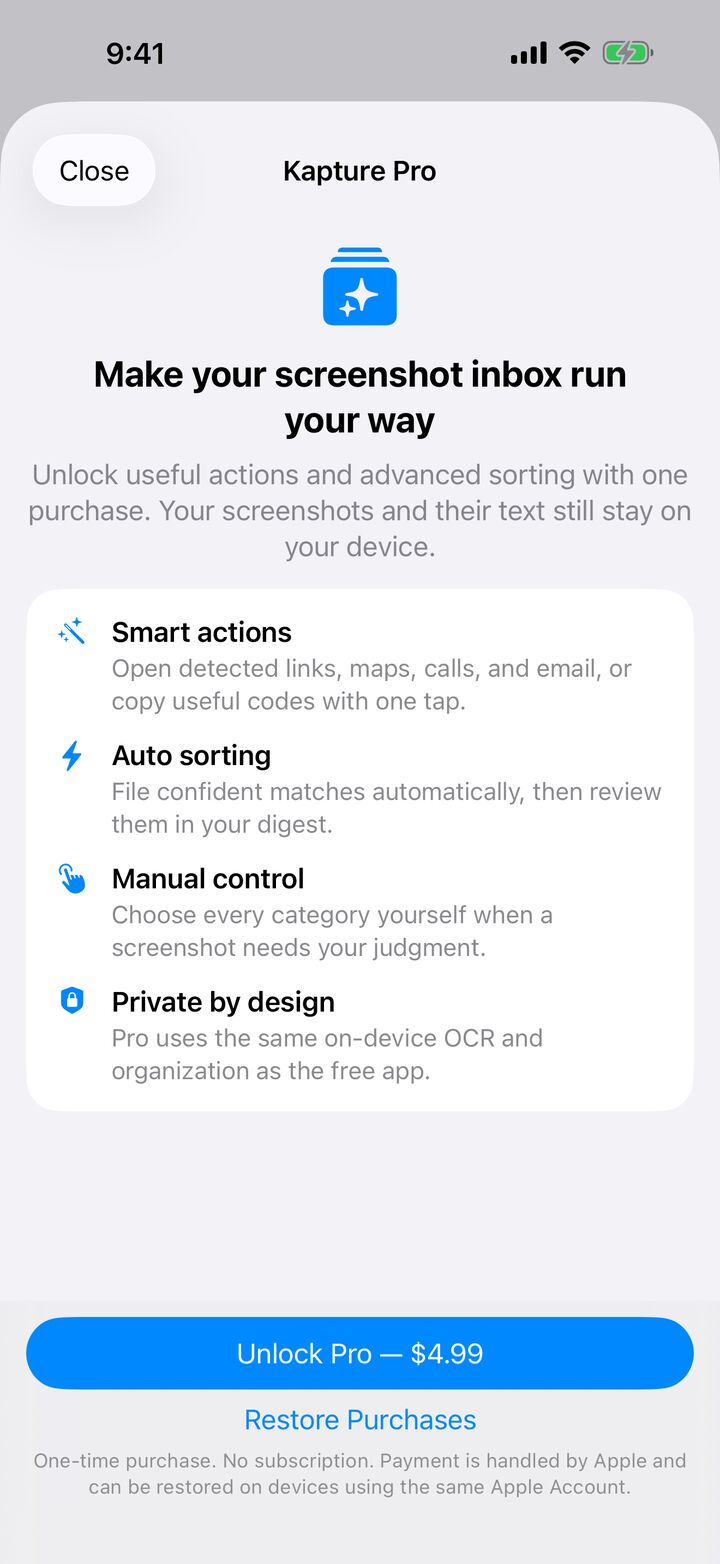
Kapture Pro. $4.99, once.
- Smart actions Open detected links, maps, calls and email, or copy useful codes.
- Auto sorting Confident matches file themselves, then show up in your digest.
- Manual control Choose every category yourself.
No subscription. Apple handles payment, and Restore Purchases brings Pro back on any iPhone signed in to the same Apple Account. The free app keeps Suggested sorting, the digest and search.
Data Not Collected
- No account. Nothing to sign up for.
- No server. Screenshots and their text stay on your iPhone.
- No tracking. No analytics, no ads, no third-party SDKs.
- Your Photos stay put. Kapture reads screenshots where they are and never copies them.